Using GlobiMail's BCC Drop Box allows you to get your email conversations into Podio without any forwarding or fancy technical tricks.
Basically, there are only 2 things you need to do:
- When you send an email message to a customer, cc or bcc your App's BCC Drop Box address
- When you receive an email from a customer, forward it to your App's BCC Drop Box address
That's it. Plain and simple.
If you forget to CC the email you sent your customer to your BCC Drop Box address, simply find it in your sent items, and forward it to your Drop Box.
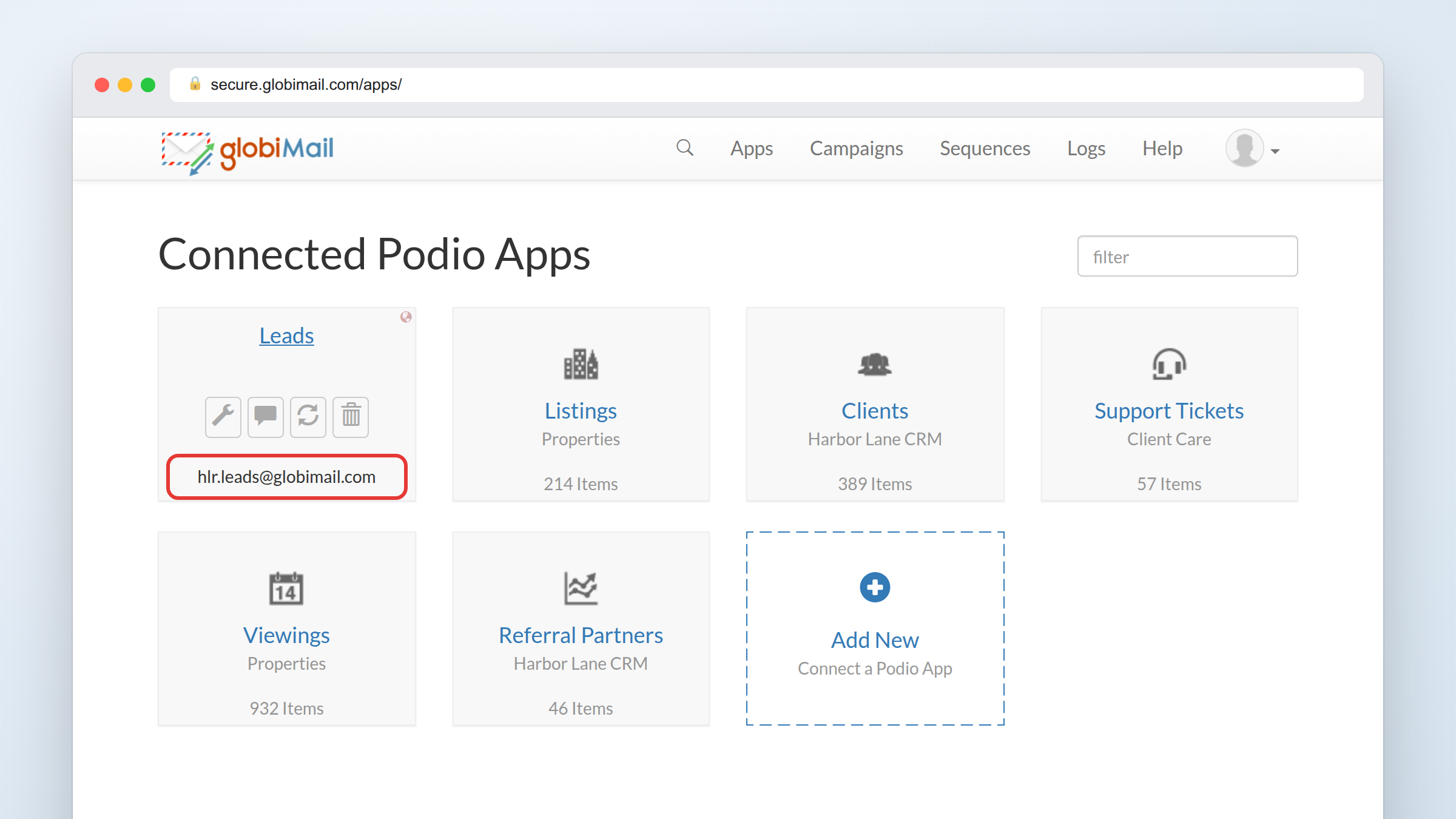
You can find each of your App's BCC Drop Box addresses in your PodioMail configuration interface on the "Apps" tab.
To make life even easier, you could even set up forwarders on your local mail, for example forward crm@yourdomain.com to the Drop Box address of your CRM App.